

How it works

Everything Valetti can do for your wardrobe

From a full style report to a single try-on from the catalogue — here is how each feature connects and where to find your history.

Style reports

A detailed plan built around you

Answer a short questionnaire and upload a few photos. Valetti analyses your colouring, proportions and goals, then delivers a structured report: palette, hair and grooming guidance, photorealistic looks, a capsule wardrobe and a shoppable buying plan.

  1. 1Start from Create report — choose a tier (Starter, Lookbook or Capsule).
  2. 2Upload a front portrait and a full-length photo for the most accurate looks and try-ons.
  3. 3When your report is ready, open it for looks, shopping picks, PDF export and per-look try-on.
  4. 4Every report you generate is listed under Reports — reopen any time to review or share.

Catalogue try-on

Try up to four pieces on your photo

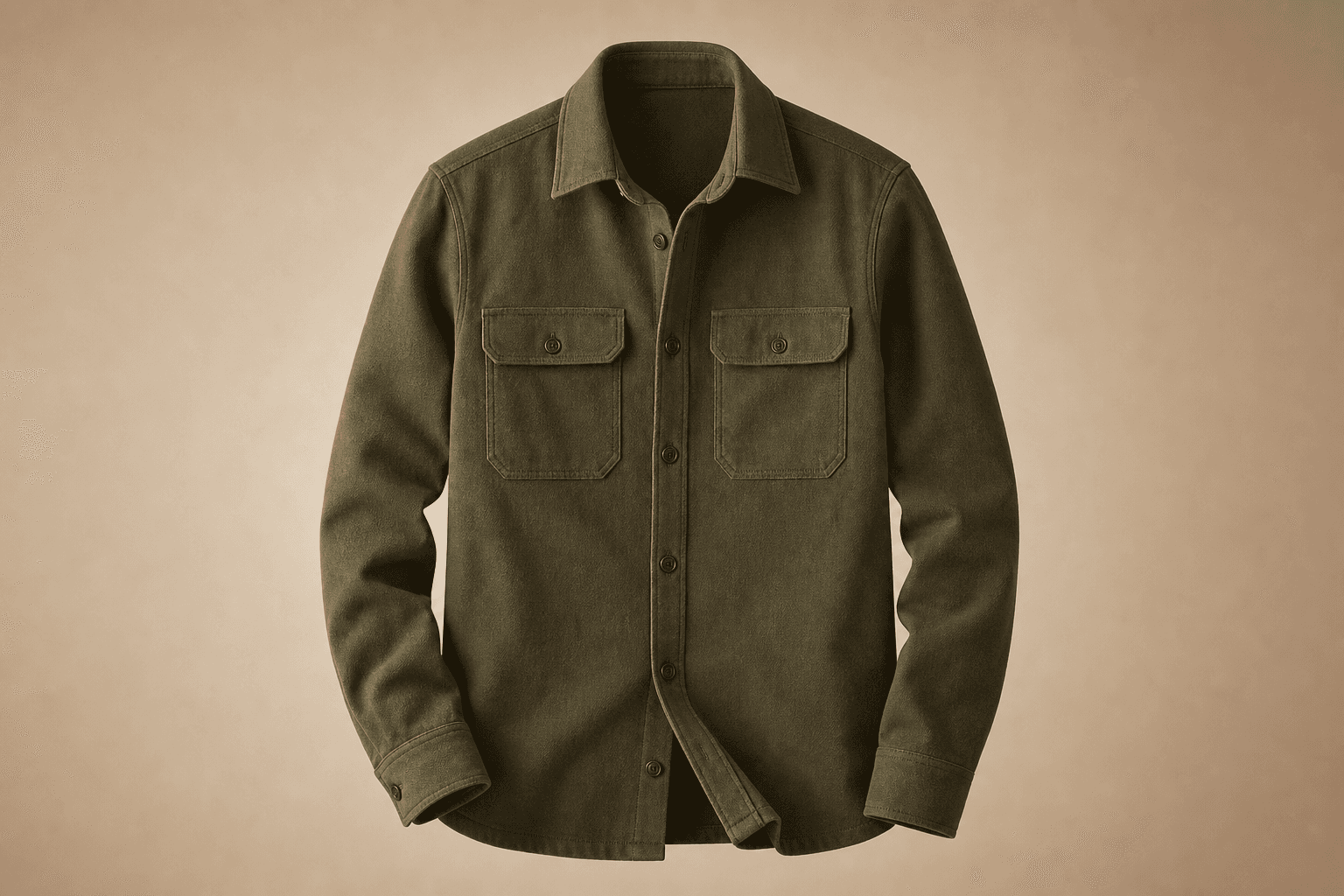
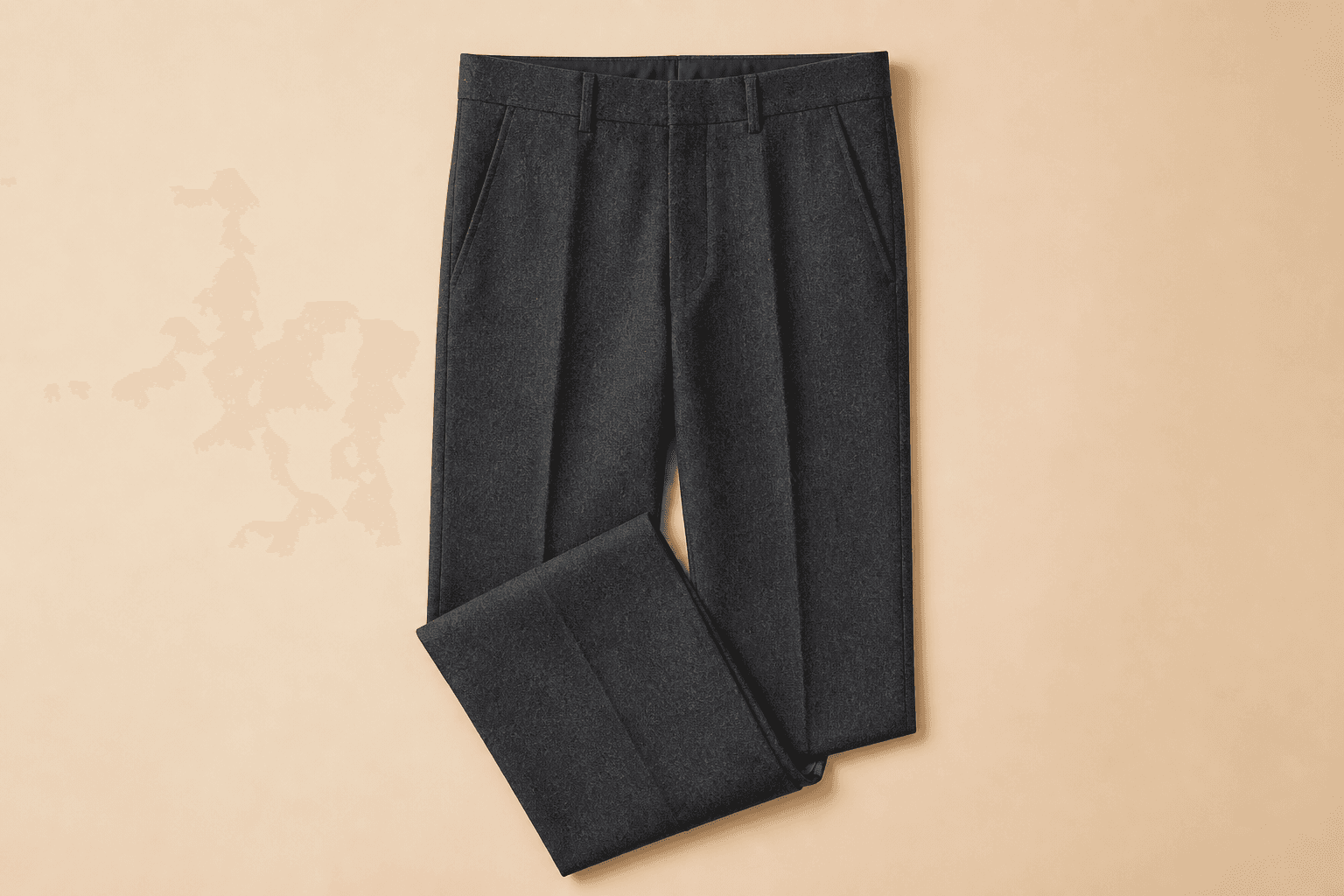
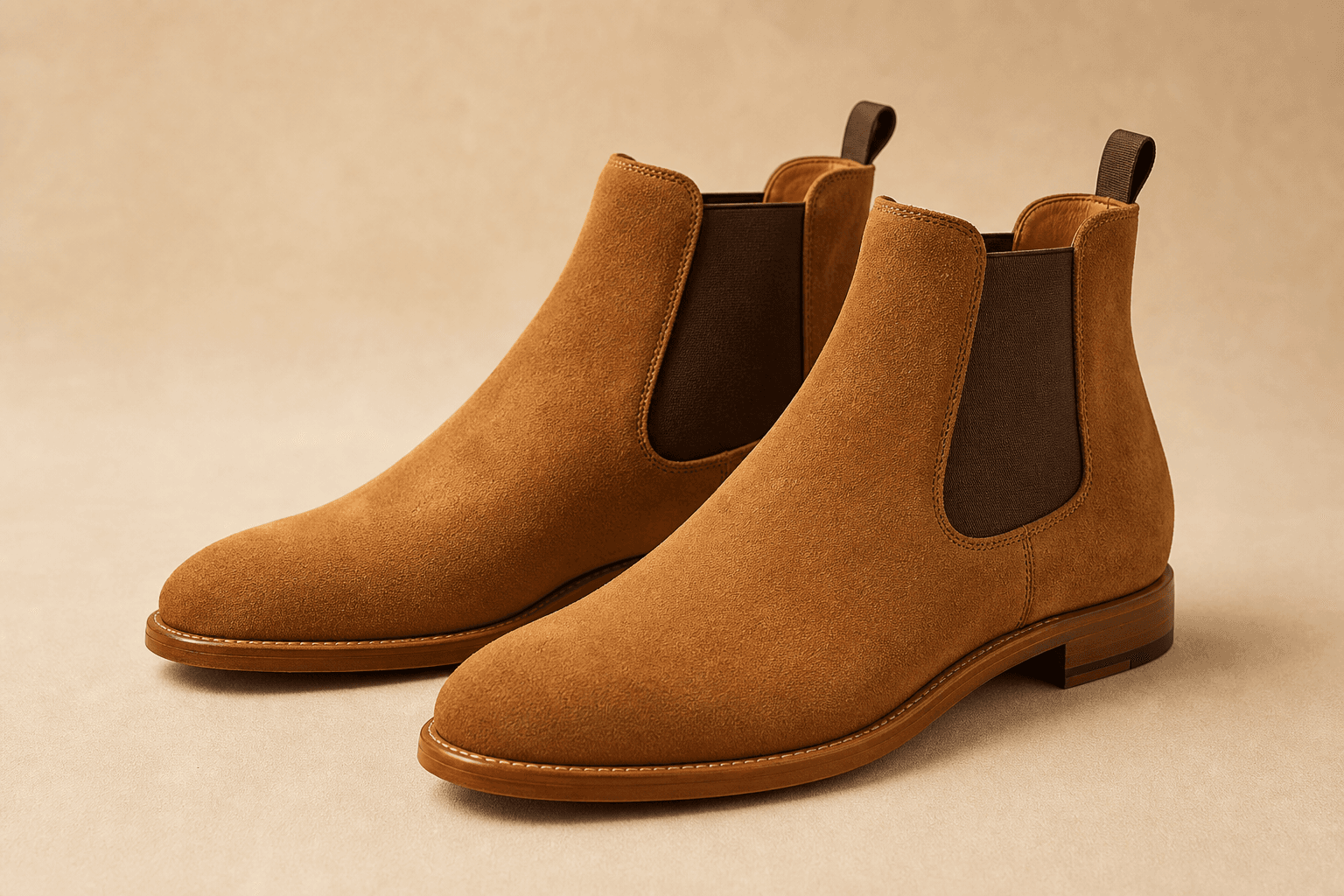
Browse the menswear catalogue and build an outfit from real retailer links. When you are signed in, pick up to four items and render them together on your default full-length photo.

  1. 1Open Catalog and sign in if you have not already.
  2. 2Tap + Add to outfit on the pieces you want (up to four).
  3. 3Use the outfit tray to render the look on your photo — one credit per render.
  4. 4Carlo's expert read appears after the image: a verdict, what works, and what to pair it with.

Shop a Look

Match any outfit photo to the catalogue

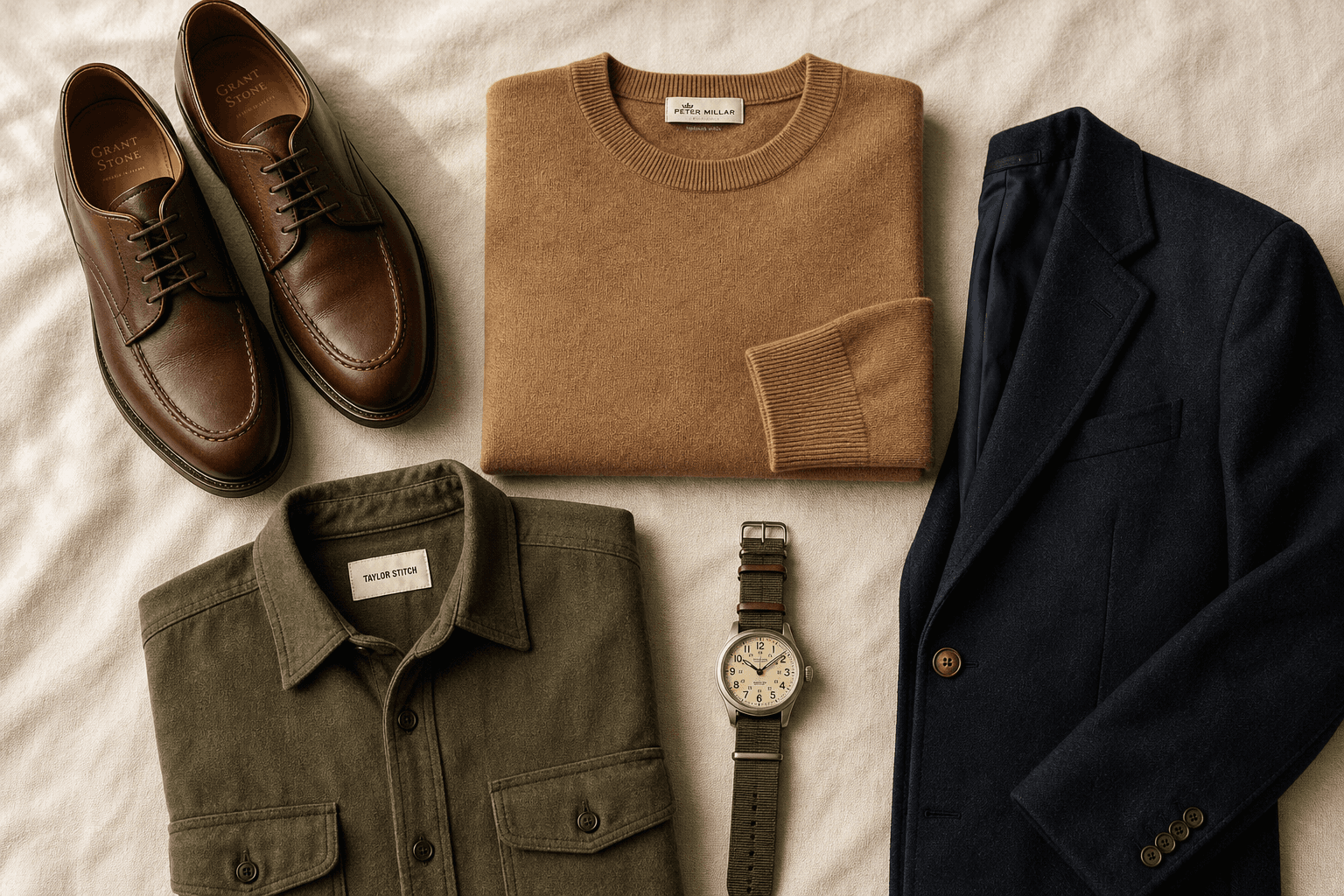
See a look on Instagram, Pinterest or the street? Upload the photo and Valetti breaks it into garment slots, finds the closest buyable pieces and re-ranks them for your palette when you have a style profile.

  1. 1Upload a clear outfit photo — full look visible works best.
  2. 2Review each slot and tap the circle on the alternatives you prefer.
  3. 3Try it on me renders your selection on your default photo (one credit).
  4. 4Carlo's verdict and the exact pieces tried are saved with the render.

Looks

Your try-on history in one gallery

Every catalogue and Shop a Look render is collected on the Looks page, grouped by source. You can download, share or delete a render, and reopen Carlo's notes whenever you like.

  1. 1Open Looks from the menu (sign in required).
  2. 2Catalogue try-ons and Shop a Look renders appear in separate groups.
  3. 3Tap the V icon on a try-on tile to read Carlo's verdict and see which catalogue pieces were used.
  4. 4Report-linked looks, capsules, hair previews and grooming images from your reports appear here too.

Credits

Try-on costs one credit per render

Catalogue and Shop a Look try-ons use the same credit balance as report extras. Carlo's verdict is included with every try-on — no extra charge. New accounts receive free credits to get started.

Try-on: 1 credit · See pricing